01
Liquid Glass
Native glass materials keep controls crisp while matching modern macOS surfaces.
Built with 100% Native · System macOS 15+
Export with stunning device frames. iPhone, Mac, Studio Display - your content, perfectly presented.

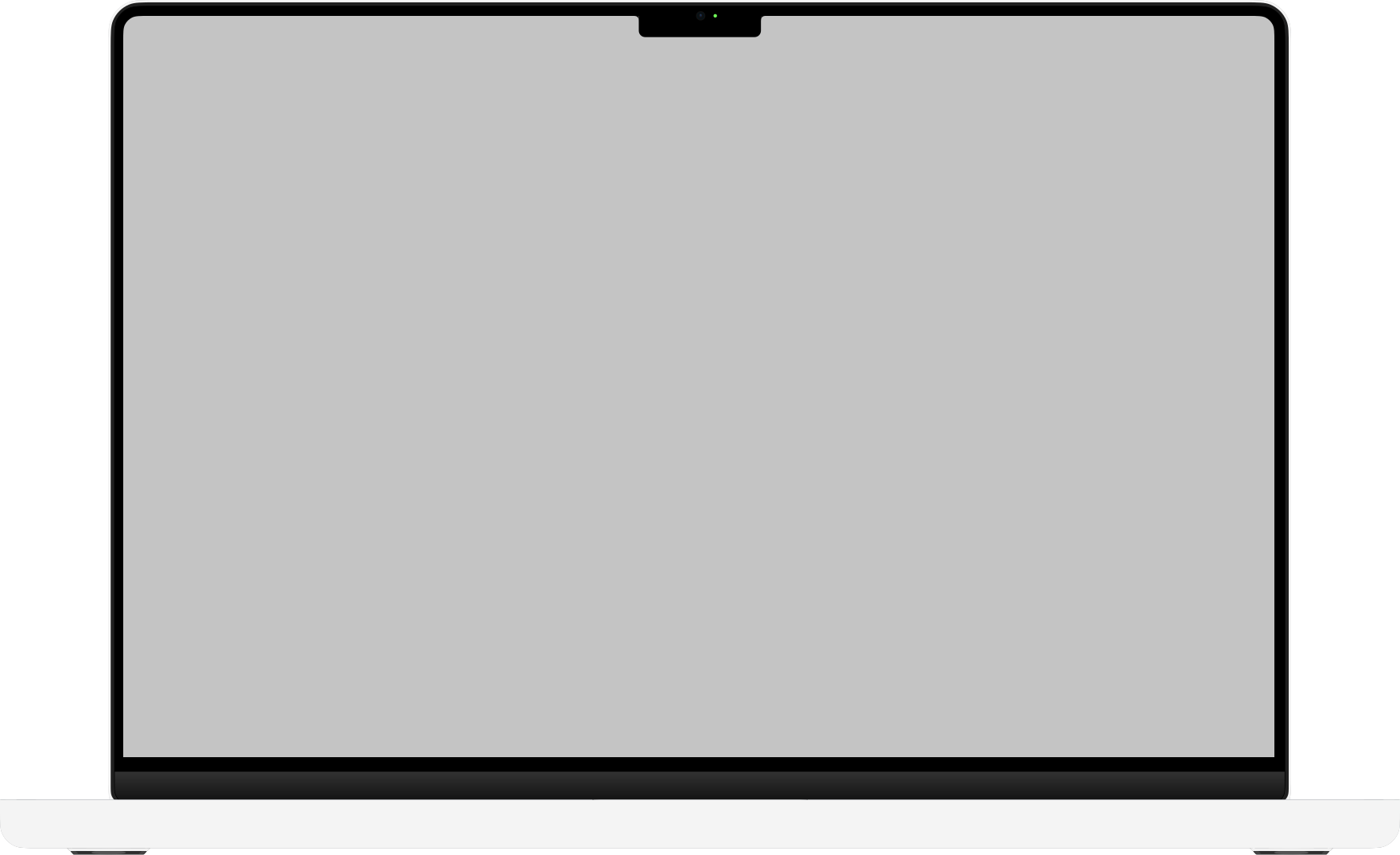


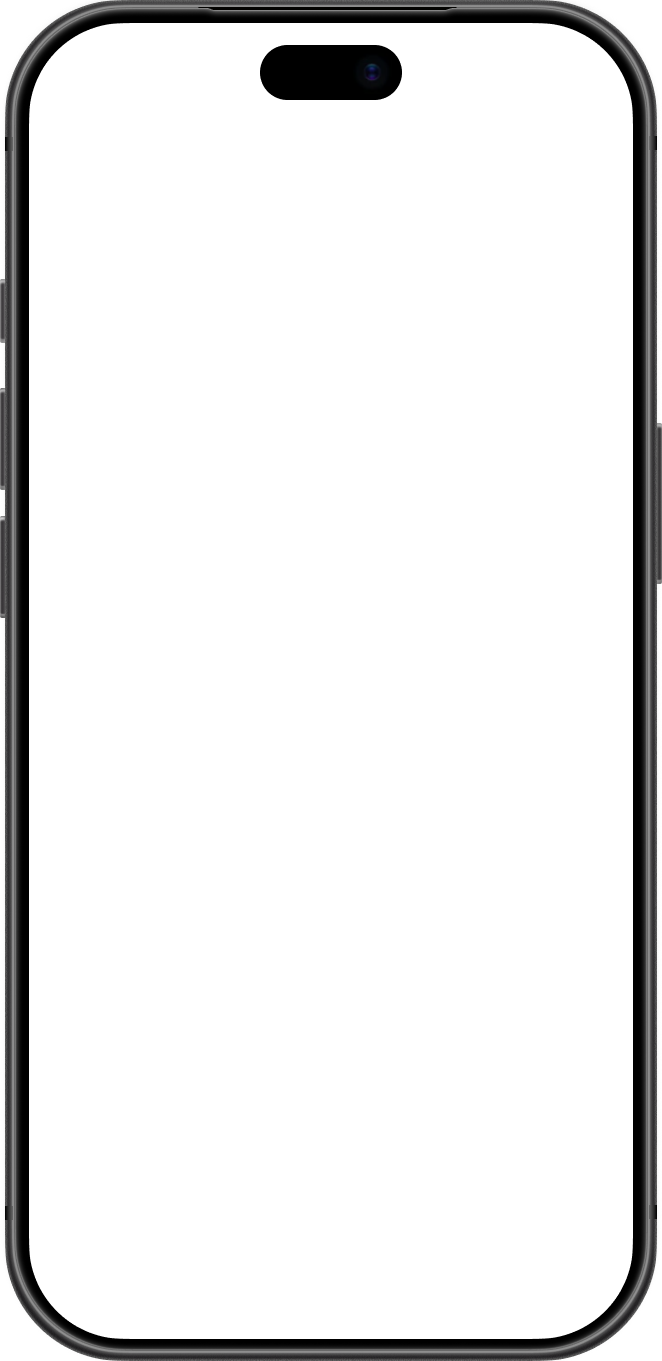
No Electron. No web views. Pure native performance.
Native touches that make recording feel fast, polished, and Mac-first.
Native glass materials keep controls crisp while matching modern macOS surfaces.
Record keyboard shortcuts during capture and display them clearly in the final video.
Apply subtle beauty effects for a cleaner camera look.
Put long exports in the background and keep progress visible from the notch.
Add as many effect layers as you need, then move, resize, and stack every clip on the timeline.
Compare ScreenCam with Screen Studio across app size, CPU and memory use, export speed, manual zoom anchors, layers, device mockups, and export formats.
Screen Studio alternative for MacYes. ScreenCam is a native macOS Screen Studio alternative for creators who want a smaller app footprint, lower resource use, faster exports, manual zoom anchors, device mockups, richer layers, GIF export, Live Photo export, and a Mac-first editing experience.